Tattoo stencil maker
Turn a photo, a sketch or an existing tattoo into clean linework, then print it at the exact size you will tattoo.
- Free, no sign-up
- Instant mode runs on your device
- Prints at actual size
From skin to stencil to a new style
One tattoo through three tools: photographed on the arm, lifted off as a flat stencil, then redrawn in a different style. The tools hand the picture on to each other, so nothing has to be saved in between.
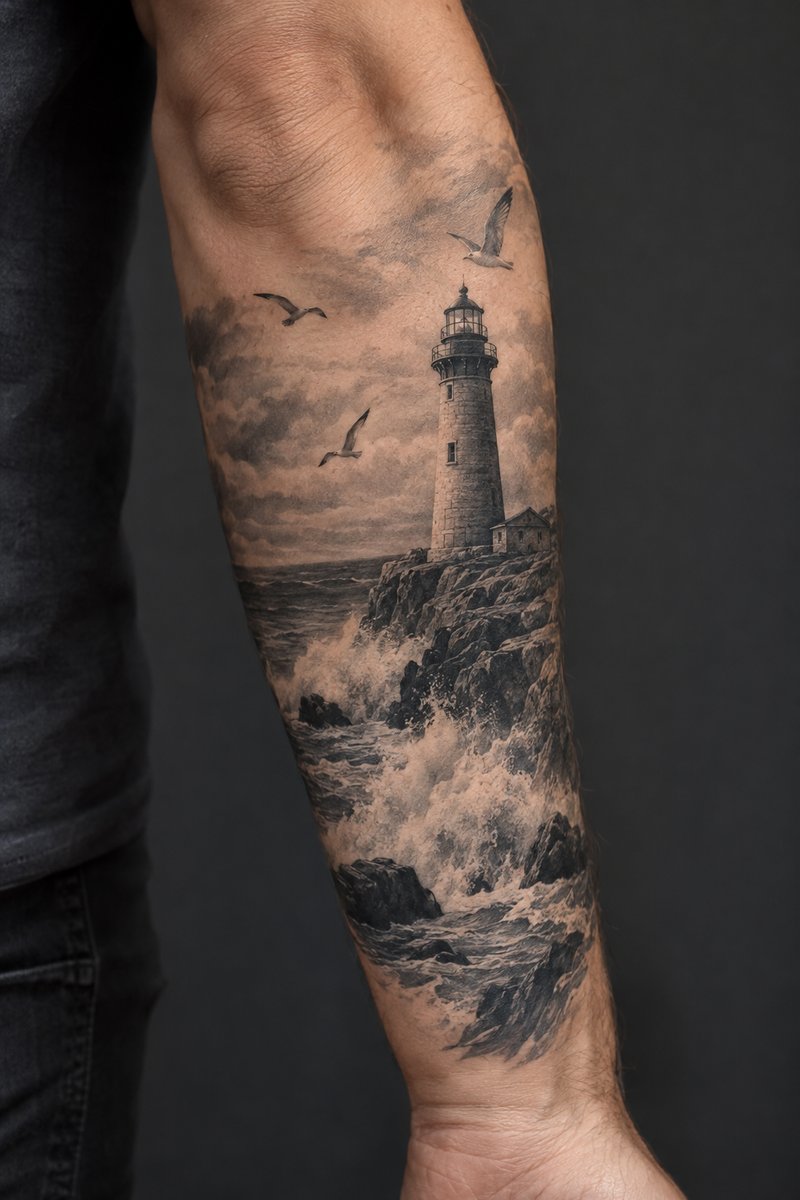 01 · Photo of a tattoo
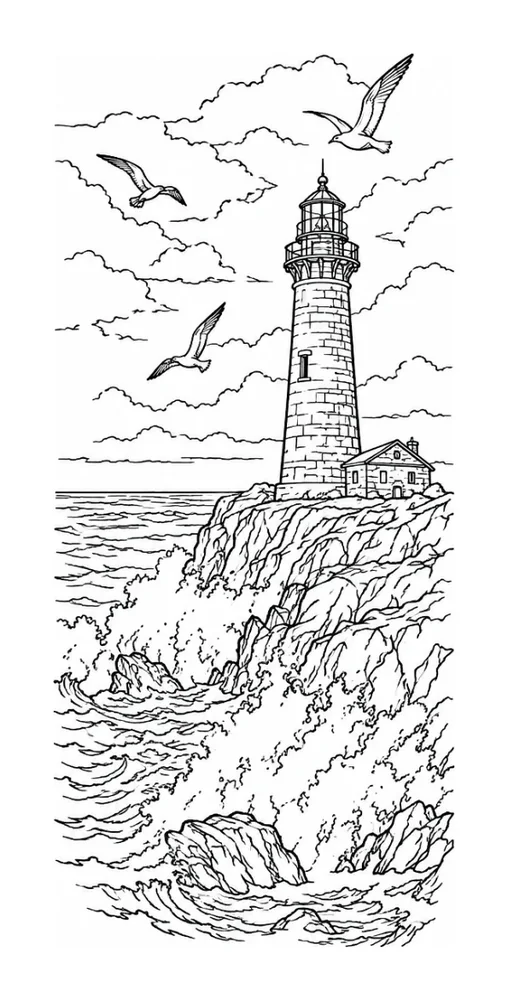 02 · Lifted off the skinTattoo to Stencil
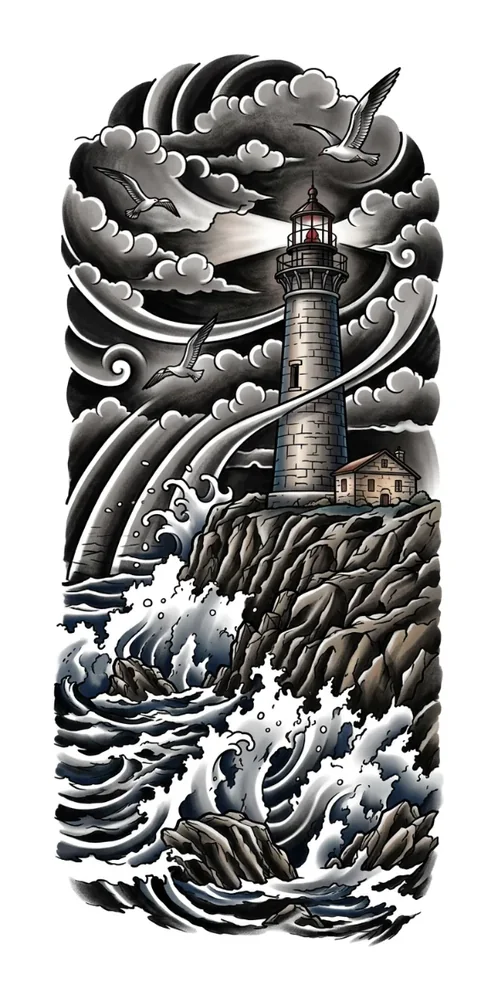 03 · Redrawn in Japanese styleImage to Tattoo
Keep the stencil beside you while you work
- Goes full screen, and the screen stays on
- One tap to switch between photo, stencil and overlay
- Pinch to zoom into the fine lines
- Runs in the browser on your tablet, with nothing to install
Open it from the Studio view button above the preview.
How it works
Upload
A photo, a sketch, a flash sheet or a picture of an old tattoo.
Clean up
Say whether it is line art or a photo, then set line weight, detail and speck clean-up yourself.
Enter the size in cm or inches. Print, or save a PDF laid out at actual size.
Prints the way your shop prints
Thermal printer
Pure black-and-white PDF or PNG at 300 DPI. Send it from your printer's own app.
Inkjet with stencil ink
Actual-size pages on A4 or Letter. Bigger pieces are split across sheets that line up edge to edge.
Tracing by hand
Print on plain paper and trace it onto transfer paper.
Questions
Is it free?
Yes. Converting, printing and downloading are free, with no sign-up. The AI tools need an account: new accounts get 3 free AI pictures, and more come in credit packs that never expire.
Do you keep my photos?
No. The instant conversion runs on your own device and nothing is uploaded. If you ask for an AI redraw, that one photo is sent to our AI provider to be redrawn and is not stored. Only the finished AI picture is saved, to your account, and you can delete it.
What size will it print?
Exactly the size you enter. The PDF is laid out at actual size, so keep the print scale at 100% and turn off any fit-to-page option.
Can I turn a photo into a tattoo stencil?
Yes. Choose Photo for an instant outline, or press Redraw with AI for cleaner lines. For a photo of a tattoo that is already on skin, use Tattoo to Stencil, which lifts the design off the body first. Ask your artist to tidy the result before the session.
Will it work with my thermal stencil printer?
The PDF and PNG are pure black and white at 300 DPI, which is what thermal printers are built for. Open the file in your printer's app and print at 100%.